

25-minute focus timer
Set a 25-minute timer in your companion’s room and take a break when it ends.
AI FOCUS BUDDY
Open the 25-minute timer in your companion’s room. Sign in to use your own room, or bring a companion home first. On Mac, the toolbox also has radio and quick notes.
Free Mac app (macOS 14+) · Also works in your browser · 18+
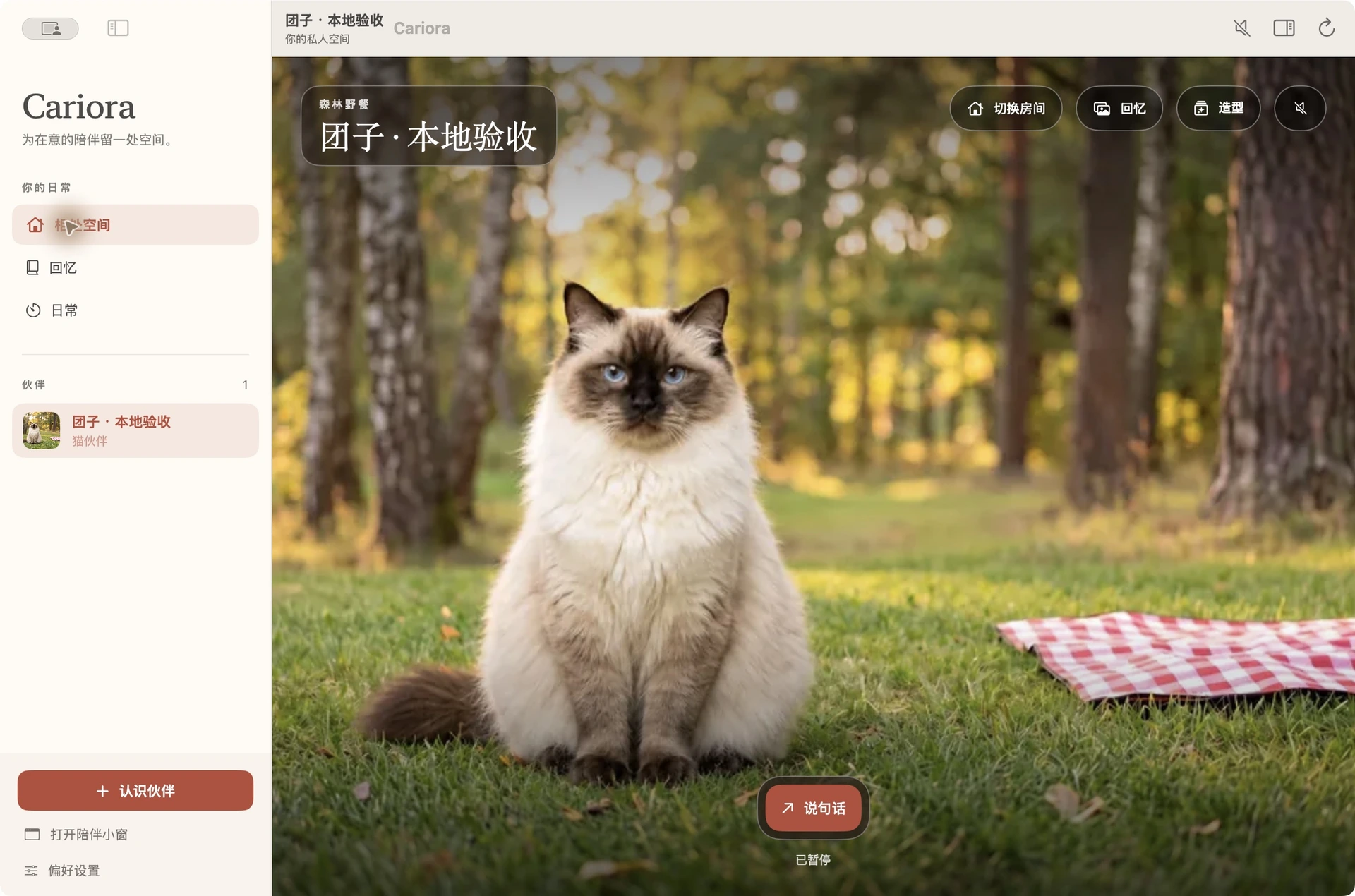
Built to keep you company without turning work into another loud feed.
Set a 25-minute timer in your companion’s room and take a break when it ends.

A soft nudge to drink water or look away from the screen, in their own voice.

Pick calm radio stations in the Mac app while you read or code.

Save a thought in the Mac app’s notebook while you work.

Cariora Mac compact window
Send Mango back into their window in one click before a meeting, or set quiet hours for deep work. There are no streak punishments, pop-up ads or sick-pet guilt trips.
An orange cat who naps by the window and reacts with a gentle stretch when you take a break.
A red-and-white corgi who brings upbeat tail wags whenever you finish a session.
A human companion you can talk through a stubborn problem with, by text or voice.
Use the same account to visit your companion and access your memories on different devices.
Supports macOS 14 or later on Apple silicon and Intel. Walks along the bottom of your screen or sits in a compact window.
No native Windows app yet—open the browser room beside your work window instead.
Keep your companion on your phone beside your laptop during study sessions.
Yes. Downloading the Mac desktop pet app is free, and the free plan includes one eligible ready-made companion such as Mango. See current plans for paid options.
No. Your companion never captures your screen or reads your other apps. They only know what you choose to type or say to them.
No. You can return your pet to its window in one click or turn on quiet hours before any meeting.
There is no native Windows app yet. Windows users can open the screen pet room directly in a browser window beside their work.
Pet Mango or Waffles, chat with Sophie, play a quick round of Connect Four, or read a guide on setting up a virtual pet focus timer.
Cariora is for adults aged 18 and older, with no sexual content. Your chats and notes stay private.
Open the timer in your browser or download the free Mac app.